SaveGram : Download Video & Photo from Instagram
Download Photo, Video, Reels, Stories & Avatar from Instagram for free
Download Instagram Photo
Enter the Instagram PHOTO URL below
Instagram Reels Video Download
Enter the Instagram Reels URL below
Download Instagram Story
Enter the Instagram Stories URL below
Download Instagram Avatar
Enter the Instagram Profile URL below
SaveGram - Tool to download photos and videos from Instagram online
SaveFast (formerly SaveGram) is a powerful online Instagram downloader that allows you to download high-quality Instagram photos and videos (up to 4K) to your phone or computer for offline viewing at any time, without worrying about content being hidden or deleted by the owner.
SaveFast.app is a specialized tool for downloading Instagram content, supporting almost all types such as: Videos, Photos, Reels, Stories, Highlights, Audio, Profile Pictures, and more, without needing to combine with any other tools.
Our downloader utilizes PWA (Progressive Web App) technology, ensuring seamless performance across all platforms and devices, including PC, tablet, Android, iPhone, iOS, Windows, macOS, and Linux. With high speed, stability, and HD download quality, you can easily save your favorite Instagram content directly in your browser without installing any software.
SnapInsta & SaveGram - The best Instagram download application today
SnapInsta and SaveGram are both some of the best tools to use to download Instagram content. Basically, both help you download any of your favorite content on IG easily. However, SaveGram has been developed to add the ability to download thumbnails from videos and audio on Instagram. In case SnapInsta crashes, you can try using SaveGram.
Why should you use SaveFast.app - Unlimited Instagram Downloader?
Instagram is one of the largest social networks today, where people share photos and videos with friends, family, and fans. However, one limitation of Instagram is that it does not allow users to download their favorite photos or videos directly from the app. This is when you use SaveFast.app to download Instagram photos and videos to your device.
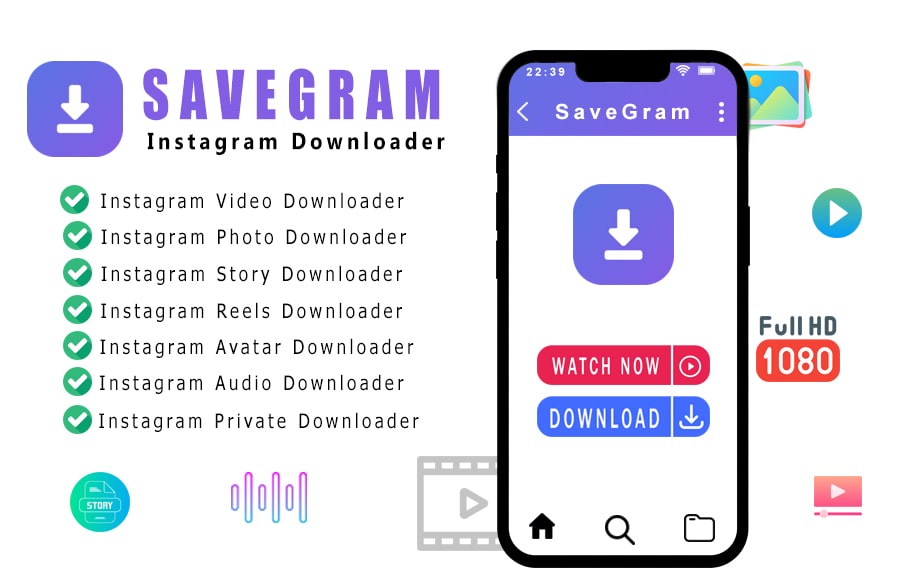
Using SaveGram is very simple. Simply visit the SaveFast.app website, paste the link of the Instagram post containing the photo or video you want to download, and press Download. That's it, SaveGram will handle everything else for you.
In addition to supporting public photo and video downloads, SaveGram also allows downloading photos and videos from private Instagram accounts. All you need is to follow and get the account owner's consent to follow. Then follow the private Instagram downloader instructions.
What are the outstanding features of SaveGram?
- Download Instagram photos and videos easily and quickly in just a few simple steps.
- Supports downloading any Instagram post (Photos, Videos, Reels, Stories, Music, and Profile Pictures).
- Photos and videos download in the highest quality (quality and size are preserved).
- SaveGram is a tool that works in the browser, without the need to install any software or extensions.
- Works well on all platforms and devices such as PC, tablet, iPhone, Android, Windows, MacOS, Linux, ...etc.
- Does not collect user data, nor does it save download history. Therefore, use of SaveGram is completely anonymous.
SaveGram provides a simple and effective solution to download any content from Instagram. With quick and easy downloads, this is definitely an indispensable tool for anyone who wants to download their favorite Instagram images or videos to their device.
How to download videos and photos from Instagram anonymously with SaveGram?
- Open the Instagram app or Instagram.com in your browser and log in to your account.
- On Instagram, find and open the Photo or Video you want to download.
Copy Instagram Photo or Video URL
On the Instagram app: Tap on the Share icon () below the post and select "Copy link".
On PC/Mac: Left-click on the three dots icon (●●●) at the top right corner of the post and select "Copy link".
- Paste the copied Instagram link into the input box on SaveFast.app (Instagram Downloader) and press the "Download" button.
- Wait a few seconds for SaveGram's servers to process and download the photo or video to your device.
How to download Instagram on a web browser, without installing software?
Want to save Instagram videos and photos quickly, without installing software? SaveGram is a website that will allow you to do just that, this tool is designed to work in a web browser and be accessed directly using your device's browser, requiring no software installation or any other application.
To use it, simply open your browser and visit the SaveFast.app website, then paste the link into the input field at the top of the page and press the Download button. It is compatible with any device including iPhone, iPad and Android.
SaveFast.app is designed to help you download videos or images from your own Instagram account. We will refuse service if you use our tool to infringe on the privacy or copyright of others.
Read our Terms of Service 👉here👈
FAQ
What is SaveGram?
How to download Instagram videos and photos on computer?
- Step 1: Copy and paste the Instagram URL into the search box on SaveGram and press the "Download" button.
- Step 2: Wait for our server to process and download the photo or video to your device.